What Is Cloud Computing? A Plain-English Guide
A calm, beginner-friendly guide to cloud computing: what the cloud really is, the everyday apps you already use, IaaS/PaaS/SaaS, and the honest tradeoffs.
You already use the cloud. You used it before breakfast.
When you opened your phone and your photos were there — the ones you took two years ago on a phone you no longer own — that was the cloud. When you sent an email and it landed in someone's inbox a second later, that was the cloud. When WhatsApp restored your chats onto a brand-new device, when Netflix remembered exactly where you paused last night, when your bank app showed your balance — all of it leaned on the cloud. You've been a heavy user of one of the most important technologies of our age, and most of us were never told what it actually is.
So let me tell you, plainly. No jargon walls. Just the real idea underneath.
The idea in one sentence
Here is the whole thing, and everything else is detail: instead of owning the computer, you rent someone else's over the internet, and you only pay for what you use.
That's it. That's the cloud.
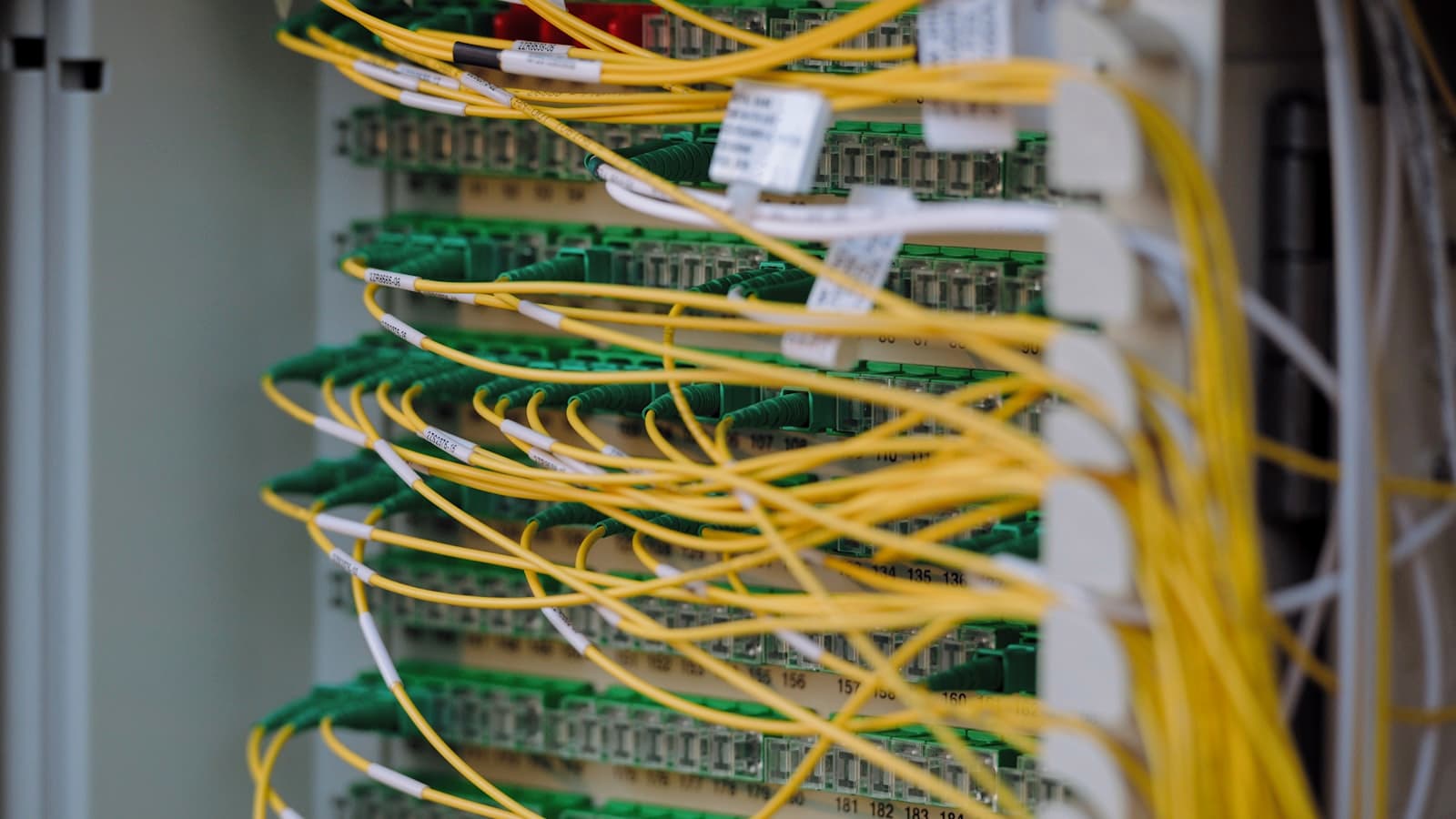
When people say "the cloud," it sounds like something floating and mysterious. It isn't. The cloud is a building. Many buildings, actually — enormous warehouses packed wall to wall with computers, humming away day and night, cooled by giant air-conditioning systems, guarded, and wired to the internet with fat cables. We call those buildings data centers. When your photo lives "in the cloud," it lives on a hard drive inside one of those warehouses, maybe in Ireland, maybe in South Africa, maybe in Virginia. The "cloud" is just a soft word for someone else's computers, somewhere else, that you reach over the internet.
The generator and the grid
There's an analogy I keep coming back to, and it fits especially well where I'm from.
Imagine you run a small shop and you need electricity. You have two choices. You could buy your own generator — pay a lot of money up front, store the fuel, maintain it, fix it when it breaks, and have it sit idle and wasteful on the quiet days. Or you could simply plug into the national grid. You flip a switch, the power flows, and at the end of the month you pay for exactly what you used. No generator to buy. No mechanic to call. If you suddenly need more power for a busy season, the grid just gives you more.
Owning a server is the generator. The cloud is the grid.
For decades, if a company wanted to run a website or store its data, it had to buy the generator: purchase physical servers, find a room to keep them cool, hire people to babysit them, and pray they didn't fail at 2am. The cloud flipped that. Now you plug into a provider's "grid" of computers, use what you need, and pay by the hour or by the gigabyte. When you're small, you pay little. When you grow, you turn the dial up.
The things you already use
You don't need to imagine the cloud — you live in it. Let me name a few of your daily tools so the idea stops being abstract.
- Gmail and Outlook. Your emails aren't stored on your phone. They live on Google's and Microsoft's servers. Your phone just shows you a window into them. That's why you can read the same inbox on your laptop, your phone, and a borrowed computer in a café.
- Google Photos and iCloud. Your pictures are uploaded to a data center and synced back to whatever device you're holding. Lose your phone, keep your memories.
- WhatsApp backups. Those chats you restored? They were sitting safely in cloud storage, waiting.
- Netflix and Spotify. You don't download the whole film. It streams from servers that hold thousands of titles, sending you the pieces as you watch.
In every case the pattern is the same: the heavy stuff lives somewhere else, and your device is just the window.
The three flavors: IaaS, PaaS, SaaS
Now, the cloud comes in three "levels" of how much someone does for you. The acronyms sound scary; the idea is simple. Think of it as the difference between building a house, renting a serviced apartment, and checking into a hotel.
IaaS — Infrastructure as a Service. This is renting the bare land and bricks. You get a raw computer in the cloud — processing power, storage, networking — and you build everything on top of it yourself. You install the operating system, the software, all of it. Maximum control, maximum responsibility. This is the empty plot of land where you build your own house.
PaaS — Platform as a Service. Here the provider handles the foundations, the plumbing, the wiring. You just bring your work and move in. Builders use this to run their apps without fussing over the servers underneath. It's the serviced apartment: the structure is handled, you focus on living there.
SaaS — Software as a Service. This is the finished product you just use. You don't install or manage anything — you log in and go. Gmail is SaaS. So is Netflix, Canva, and the spreadsheet you opened this morning. It's the hotel: you show up, everything works, you never see the boiler room.
Almost everyone reading this is a daily SaaS user. Builders and companies reach down into PaaS and IaaS when they need more control.
Who actually owns these warehouses?
A handful of giants run most of the world's cloud. The big three are:
- AWS (Amazon Web Services) — the largest, and the one quietly powering a startling amount of the internet you use.
- Microsoft Azure — deeply tied to the business and Office world.
- Google Cloud — strong in data and the AI tools many products now lean on.
These three rent out everything from raw computers to finished AI services. But there's also a friendlier layer built on top of them for people who just want to ship a website or app without touching the machinery — platforms like Vercel, Netlify, and similar. You bring your code, you click deploy, and the platform quietly arranges the cloud servers for you. It's PaaS made gentle. If you're learning to build, this is often where you'll start, and it pairs naturally with understanding how APIs actually work, since cloud services talk to each other through them constantly.
The honest benefits
I'm anti-hype, so let me be precise about what the cloud genuinely gives you.
- No upfront hardware. You don't buy the generator. You can start today, for the cost of a coffee, with nothing but a card.
- Scale on demand. Busy day? The grid gives you more power automatically, then shrinks back when the rush passes. You're not stuck paying for capacity you rarely use.
- Access anywhere. Your work lives in the data center, not on one fragile device. Drop your laptop in a puddle and your files are fine.
- Someone else does the maintenance. Backups, security patches, broken drives — the provider handles the boring, critical plumbing.
These are real, and they're why the cloud won.
The honest tradeoffs
But the grid has a meter, and the meter never stops. Here is the part the marketing brochures skip.
- Cost over time. Renting is cheap to start and can get expensive to keep. The generator is a big one-time cost; the grid is a forever bill. For something you run constantly at scale, those monthly charges add up, and many companies have been startled by their cloud invoices.
- Dependence. You're trusting someone else's building. If AWS has a bad day — and it has — large parts of the internet stumble with it. You don't control the lights anymore.
- Data and privacy. Your photos, messages, and documents sit on a company's servers. That requires trust: in their security, and in how they handle what's yours. It's worth knowing whose hands your data is in.
- You need internet. No connection, no cloud. In places where data is costly or patchy, this isn't a footnote — it's a daily reality that shapes what's actually usable.
None of these should scare you off. They should just keep you clear-eyed. The cloud is a tool, not a miracle, and good tools are ones you understand the limits of.
So where does that leave you?
You opened this page already living in the cloud, and now you know the machinery behind it. Your photos, your email, the show you'll watch tonight — all of it is the grid quietly doing its work. The next time someone says "we moved it to the cloud," you'll know they mean: we stopped owning the generator and plugged into the grid.
That's a genuinely useful thing to understand, whether you're choosing where to back up your family photos or thinking about building something of your own.
Frequently asked questions
- Is my data safe in the cloud?
- Generally safer than on a single device — providers run serious security and automatic backups, so a lost or broken device doesn't lose your files. The honest caveat is that you're trusting a company with your data, so it's worth knowing who that company is, using strong passwords, and turning on two-factor authentication wherever you can.
- Is the cloud cheaper than owning my own computers?
- It's far cheaper to start, because there's no big upfront hardware cost. Over the long run, for things you run constantly and at large scale, renting can become more expensive than owning. It's the classic grid-versus-generator tradeoff: cheap to switch on, a forever bill to keep running.
- Do I need the internet to use the cloud?
- Yes, almost always. Since your files and apps live in a data center elsewhere, you reach them over the internet. Some apps cache a little for offline use, but the full experience needs a connection. In places where data is costly or unreliable, this is a real limitation worth planning around.
- What's the difference between IaaS, PaaS, and SaaS?
- It's how much the provider does for you. IaaS is renting a bare computer you build on yourself (the empty plot of land). PaaS handles the underlying machinery so you just bring your app (the serviced apartment). SaaS is finished software you simply log in and use, like Gmail (the hotel).
- Where is 'the cloud' physically located?
- In data centers — huge warehouses full of computers spread across the world. Your specific data sits on real hard drives in one or more of those buildings, often in a region near you for speed. There's nothing in the sky; the name is just a metaphor.
Further reading on this site
- How APIs Actually Work — how cloud services talk to each other.
- What Is Machine Learning? — the technology now running inside many cloud platforms.
- Browse Education — more plain-English explainers like this one.
If this made the cloud click for you, subscribe to the newsletter for one calm, jargon-free explainer at a time.
The Newsletter
Liked this essay?
Get the next one in your inbox. One thoughtful email a week, nothing more.
Keep reading
Related articles
What Is Open Source Software? A Plain-English Guide
A calm, beginner-friendly guide to open source software: what it means, the free software you already use, licenses, and why it matters for your career.
April 14, 2026 · 10 min read
What Is a Database? A Plain-English Guide
A calm, beginner-friendly guide to what a database is: tables, rows, columns, querying, SQL vs NoSQL, and why a database beats a spreadsheet.
March 24, 2026 · 9 min read
What Is Machine Learning? A Plain-English Guide
A calm, beginner-friendly guide to machine learning: how computers learn from examples instead of rules, the three main types, and honest limits.
May 26, 2026 · 11 min read