What Is a Database? A Plain-English Guide
A calm, beginner-friendly guide to what a database is: tables, rows, columns, querying, SQL vs NoSQL, and why a database beats a spreadsheet.
My grandmother kept a notebook by the till in her shop. Every sale, every debt, every "I'll pay you Friday" went into that notebook in her careful handwriting. It worked beautifully for years. Then the shop grew, a second person started serving customers, and the cracks showed. Two people couldn't write in one notebook at the same time. Nobody could quickly answer "how much does Mama Joseph still owe us?" without flipping through months of pages. And if the notebook got wet or lost, the whole memory of the business went with it.
That notebook is where almost everyone's understanding of data begins, and it's exactly the right place to start. Because a database is the answer to every problem that notebook eventually had. It's an organized place to store information, find it again instantly, change it safely, and let many people use it at once without stepping on each other.
Let me walk you through what that really means, in plain language, with no assumption that you've ever written a line of code.
First, why not just a spreadsheet?
Most people meet structured data through a spreadsheet, so it's the fairest comparison. A spreadsheet is a grid: rows going down, columns going across. You can sort it, filter it, add a formula. For a personal budget or a list of party guests, it's perfect, and I'd never tell you otherwise.
A database looks similar at first glance, and that similarity is genuinely useful for understanding it. But a database is built for a different job. A spreadsheet is a document you open, look at, and close. A database is a service that's always running, quietly answering questions and accepting changes from many programs and many people at the same time.
You outgrow a spreadsheet at a fairly predictable moment. It's usually when one or more of these becomes true:
- More than one person needs to write to it at once, and you're tired of "this file is locked" or two versions called
final_v2_REAL.xlsx. - The data has gotten big — tens of thousands of rows — and the file is slow or crashes.
- The information connects to other information: customers have orders, orders have products, products have suppliers. A single flat grid starts duplicating everything.
- Mistakes are expensive. You need rules that simply won't let someone record a sale with no price, or delete a customer who still owes money.
When you hit those walls, you don't need a bigger spreadsheet. You need a database.
Tables, rows, and columns
Here's the comforting part: a database stores most data in tables, and a table looks a lot like that spreadsheet grid you already know.
Picture a table called customers. The columns define what we record about each customer — say, an ID number, a name, a phone number, and a city. Think of columns as the questions you've decided to ask about everyone. The rows are the actual customers, one row each. Maria in Arusha is a row. Daniel in Mwanza is a row.
So when I say a database stores customers, I mean it keeps a customers table where every row is one person and every column is one fact about them. Simple. You'd have another table called orders, where each row is a single purchase, with columns for which customer made it, what they bought, and how much they paid.
The big idea — and it's the one that separates databases from spreadsheets — is that these tables can refer to each other. The orders table doesn't repeat Maria's full name and phone number on every order. It just stores her ID number, and that ID points back to her one row in the customers table. Store each fact once, point to it from everywhere else. That single habit prevents an enormous amount of mess.
Querying: asking your data questions
Storing data is only half the point. The other half is getting it back out — and not by scrolling, but by asking. This is called querying, and it's where a database starts to feel like magic.
A query is a precise question you put to the database, and it answers with exactly the rows that match. "Give me every customer in Arusha." "Show me all orders over 50,000 shillings from last month." "How much does Mama Joseph still owe?" The database scans its tables and hands back the answer in a fraction of a second, even across millions of rows.
The most common language for asking these questions is SQL (often said "sequel"), which stands for Structured Query Language. I'm not going to teach you SQL here, but I want you to see how plainly it reads, because that's the surprise. A real query to find customers in Arusha looks roughly like this:
SELECT name, phone FROM customers WHERE city = 'Arusha';Read it out loud: "Select the name and phone, from customers, where the city is Arusha." It's close to an English sentence. That readability is deliberate — SQL was designed in the 1970s so that people could ask questions of data without being expert programmers. You don't need to memorize it; you only need to understand that querying means asking structured questions and getting precise answers back.
Relational vs non-relational: two ways to organize
You'll eventually hear databases split into two camps, and the labels sound more intimidating than the idea behind them.
Relational databases (also called SQL databases) are the table-based kind I've been describing. Data lives in neat tables with defined columns, and tables relate to each other through those ID references — hence "relational." They're strict in a good way: you decide the structure up front, and the database enforces it. The popular ones you'll see named are PostgreSQL and MySQL. Reach for this kind when your data is structured and the relationships matter — banking, inventory, bookings, anything where accuracy is non-negotiable.
Non-relational databases (often called NoSQL) loosen those rules. Instead of rigid tables, some store data as flexible documents — think of each record as its own little folder of information that doesn't have to match the shape of the others. The most named example is MongoDB. This flexibility is handy when your data is messy, varied, or changing fast, or when you simply need to store enormous volumes very quickly. The trade-off is that you give up some of the strict guarantees the relational world gives you for free.
Here's the honest version, free of hype: neither is "better." They're tools for different shapes of problem. A great many real systems use both. Don't let anyone make you feel you must pick a side.
Where databases actually live
Once you know what to look for, you start seeing databases everywhere, because they sit quietly behind nearly every app you touch.
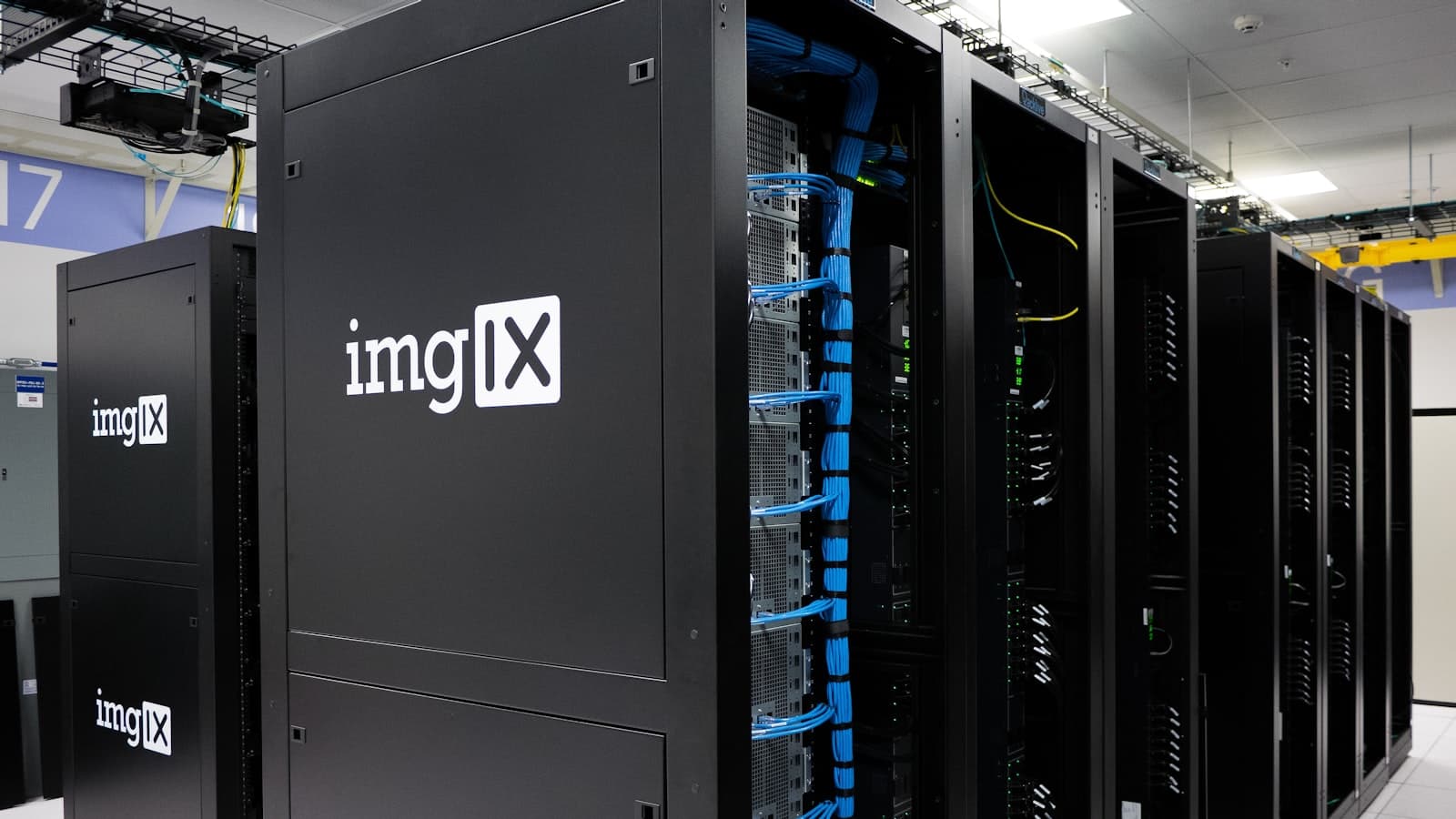
When you check your bank balance, a database is being read. When you post a photo and your friend likes it, two databases — at least — record those events. When you buy something online, databases hold the product catalog, your shopping cart, your address, and the order. The app on your screen is just the polite face. The database is the memory behind it, and usually it isn't on your phone at all; it's running on a server somewhere, reached over the internet. (If you're curious how the app and that server actually talk, that's a separate, friendly topic.)
Why databases matter: integrity, scale, concurrency
If I had to defend the database in three words, they'd be these.
Integrity means the data stays correct and consistent. A database can refuse to save a half-finished sale, or to transfer money out of one account without putting it into another. Either both things happen or neither does — there's no in-between state where money vanishes. That all-or-nothing safety is something a notebook simply cannot promise.
Scale means it keeps working as the numbers grow. A good database answers a question against fifty million rows about as fast as against fifty. My grandmother's notebook got slower with every page; a database is built to stay quick.
Concurrency means many people can use it at the very same moment without chaos. A hundred customers can buy the last hundred concert tickets in the same second, and the database makes sure exactly one hundred sell — not a hundred and three. That's the problem two people sharing one notebook could never solve.
None of this is glamorous, and that's rather the point. A database succeeds by being boring and reliable — by remembering things correctly, over and over, for years, no matter how many people are leaning on it at once. It's the quiet backbone holding up the apps we use without a second thought.
Frequently asked questions
- Is a database the same as a spreadsheet?
- No, though they look alike. A spreadsheet is a document you open and edit by hand, best for small, personal data. A database is an always-running service built to handle large amounts of data, enforce rules, connect related information, and serve many users at once.
- Do I need to learn SQL to understand databases?
- Not at all. SQL is the language used to ask databases questions, but you can fully understand what a database is and does without writing any. If you do go further into tech, SQL is one of the friendlier, more readable languages to pick up.
- What is the difference between SQL and NoSQL?
- SQL (relational) databases store data in strict, connected tables and enforce structure — great for accuracy-critical data like banking. NoSQL databases use more flexible formats like documents, trading some strictness for flexibility and speed at very large scale. Neither is universally better.
- Where is a database stored?
- Usually on a server — a powerful computer running somewhere in a data center — rather than on your own phone or laptop. Apps reach the database over the internet, send their questions, and get answers back. The database is the memory; the app is the interface.
- Are databases only for big companies?
- No. Any project that needs to store information reliably, search it quickly, and let more than one person use it can benefit from a database — including small shops, side projects, and personal apps. Free, capable databases like PostgreSQL and MySQL are available to anyone.
Further reading on this site
- How APIs Actually Work — how the app on your screen talks to the database behind it.
- What Is Cloud Computing? — where those always-running servers actually live.
- Browse Education — more plain-English explainers like this one.
If you'd like calm, jargon-free explainers like this in your inbox, subscribe to the newsletter.
The Newsletter
Liked this essay?
Get the next one in your inbox. One thoughtful email a week, nothing more.
Keep reading
Related articles
What Is Cloud Computing? A Plain-English Guide
A calm, beginner-friendly guide to cloud computing: what the cloud really is, the everyday apps you already use, IaaS/PaaS/SaaS, and the honest tradeoffs.
April 30, 2026 · 10 min read
What Is Open Source Software? A Plain-English Guide
A calm, beginner-friendly guide to open source software: what it means, the free software you already use, licenses, and why it matters for your career.
April 14, 2026 · 10 min read

What Is Machine Learning? A Plain-English Guide
A calm, beginner-friendly guide to machine learning: how computers learn from examples instead of rules, the three main types, and honest limits.
May 26, 2026 · 11 min read