What Is Cybersecurity? A Plain-English Guide
A clear, jargon-free introduction to cybersecurity — what it actually is, why it matters, and the small habits that protect 99% of people from 99% of threats.
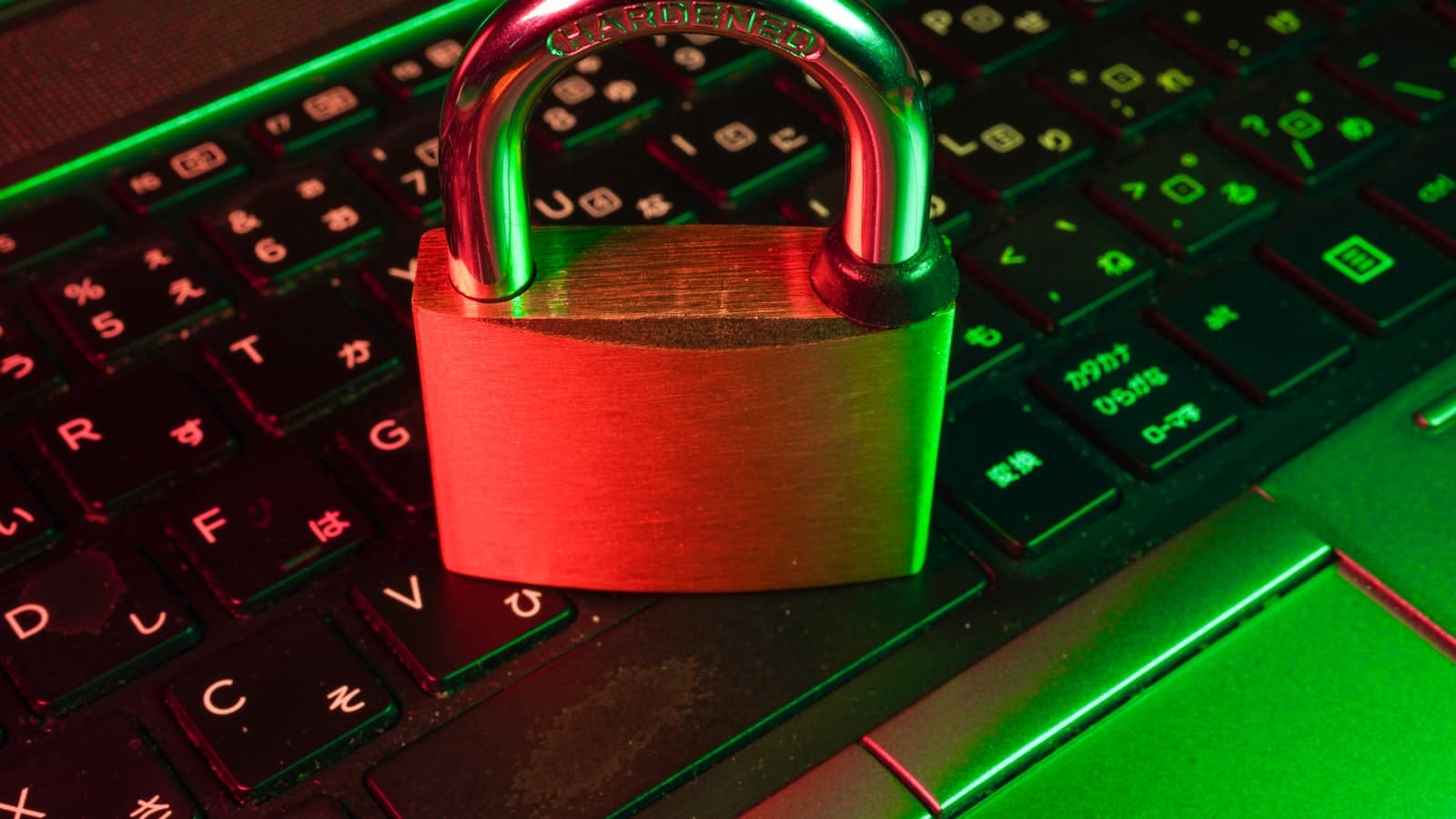
Most explanations of cybersecurity start with words like vulnerability, exploit, and threat actor. Then they get worse from there.
This one won't.
If you can use a phone, you can understand cybersecurity. By the end of this essay you will have a working model of what it is, why it exists, and the four habits that protect almost every ordinary person from almost every realistic threat.
A definition that actually means something
Cybersecurity is the practice of keeping your digital things — your accounts, your data, your devices, your money — under your own control.
That's it. That's the whole thing.
When someone gets locked out of their email and a scammer is using it to message their family, that's a cybersecurity failure. When a hospital can't access patient records because a hacker encrypted them, that's a cybersecurity failure. When a country's electrical grid gets shut down by a foreign government, that's a cybersecurity failure at a national scale.
It is the same problem, scaled up: someone, somewhere, taking control of a thing they don't own.
The three things attackers actually want
You don't need to memorize a thousand attack types. Almost every attack falls into one of three goals:
1. They want your money
Either directly (drain your bank account) or indirectly (sell your data to someone who will). This is by far the most common motivation. Most attackers are not geniuses; they are running a business, and they will move on to easier targets the moment you become inconvenient to attack.
2. They want access to something else
Sometimes you are not the target — your boss is, or your bank is, or your company is. Your account is just the unlocked back door. This is why some "small" attacks (compromising a junior staffer's email) lead to enormous breaches.
3. They want to hurt you or someone you know
This is rare but real. Ex-partners, stalkers, hostile states, or activists targeting political opponents. The defenses are mostly the same, but the stakes are different and the urgency is higher.
The four habits that protect 99% of people
There are a thousand things you could do to be more secure. Here are the four that matter:
Habit 1 — Use a password manager
Not "use strong passwords." That's a goal, not a method. Use a password manager. It generates a long, random, unique password for every account and remembers it for you. You only need to remember one master password.
I use 1Password. Bitwarden is free and excellent. Either is fine. The one you use is infinitely better than the one you don't.
This single change protects you from the most common attack on the internet: a leaked password from one site being used to break into your other accounts. With a password manager, every site has a different password, so a breach in one place is contained.
Habit 2 — Turn on two-factor authentication everywhere it matters
Two-factor authentication (2FA) means a second proof of identity beyond your password — usually a code from an app on your phone.
Enable it on:
- Email — this is the master key to everything else. Start here.
- Banking and financial apps.
- WhatsApp, Telegram, Signal — anywhere you message.
- Anywhere holding your personal documents, money, or work.
Use an authenticator app (Google Authenticator, Authy, 1Password) rather than SMS codes when you have the choice. SMS can be hijacked. App-generated codes can't.
Habit 3 — Keep your devices updated
When your phone or laptop nags you to install updates, install them. Most of those updates are not new features — they are patches for security holes that attackers are already exploiting in the wild. Every week you delay is a week you're running known-broken software.
Enable automatic updates. Reboot when asked. Move on with your life.
Habit 4 — Pause before you click
The single most successful attack on earth is phishing — an email or message pretending to be from someone you trust, trying to get you to click a link or hand over a password.
Three questions to ask before you click anything in any message, ever:
- Was I expecting this? A package delivery notice for a package you didn't order is suspicious.
- Does the sender's address actually match who they claim to be?
customer-support@amaz0n.comis not Amazon. - Is it trying to rush me? "Your account will be closed in 24 hours" is the language of a scam, not a real company.
If the answer to any of those is "no," go to the real website directly — type it into your browser — and check there. Never click the link.
What about the more sophisticated stuff?
You've probably heard of VPNs, antivirus software, encrypted hard drives, Tor, hardware security keys. They have their place — but for an ordinary person, they are rounding errors compared to the four habits above. Get the basics right first.
A good rule: spend zero hours on advanced tools until you have done all four habits, on every important account, for thirty consecutive days.
A small commitment
If this essay was useful, take ten minutes right now and do this:
- Install Bitwarden or 1Password.
- Change your email password to a generated one from the manager.
- Turn on two-factor authentication on your email.
Done. You are now safer than the vast majority of people on the internet. The rest is steady, unglamorous maintenance.
Further reading on this site
- How to Start Learning AI in Tanzania — the future of cybersecurity is being rewritten by AI; understand the tools.
- Browse the Technology category.
Subscribe to the newsletter for a calm essay each Sunday — and the occasional security alert that's actually worth knowing about.
The Newsletter
Liked this essay?
Get the next one in your inbox. One thoughtful email a week, nothing more.
Keep reading
Related articles

How to Protect Yourself from Phishing
A calm, practical guide to spotting and stopping phishing — the small habits that protect 99% of people from email, SMS, and mobile-money scams.
June 10, 2026 · 10 min read
How to Protect Your Online Privacy in 2026
A calm, practical guide to online privacy — the high-leverage habits that protect most of what matters, without turning your life into a bunker.
April 10, 2026 · 10 min read

Passwords Are Dying: A Practical Guide to Passkeys in 2026
Why passwords keep failing, how to fix them today, and how passkeys quietly replace passwords with phishing-resistant, passwordless login.
May 8, 2026 · 10 min read